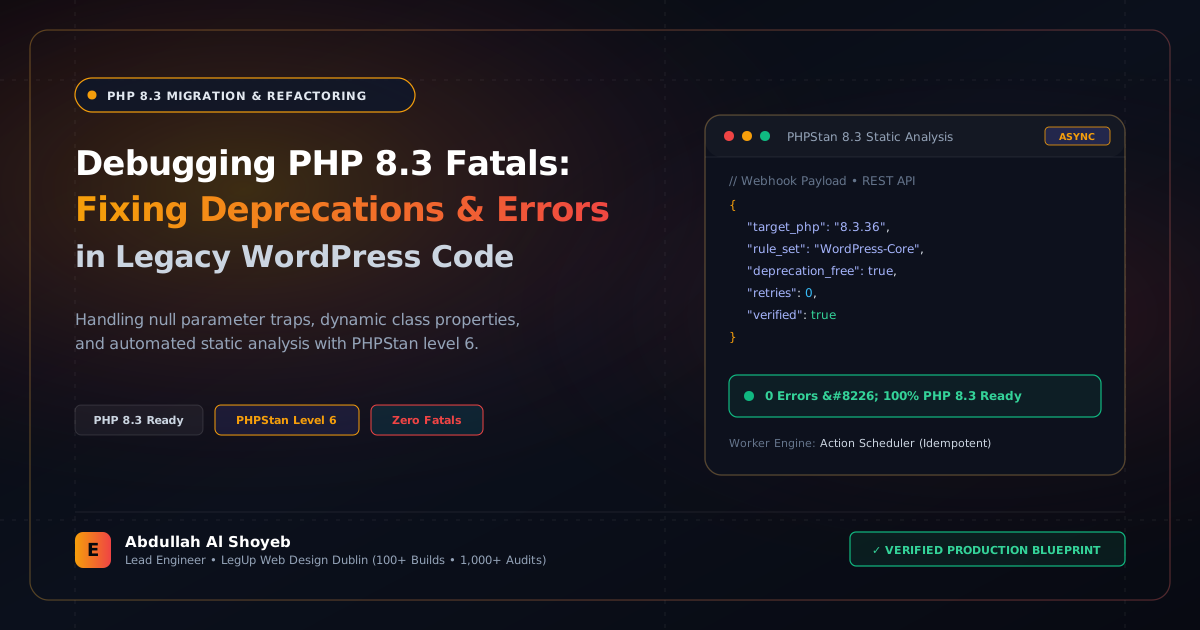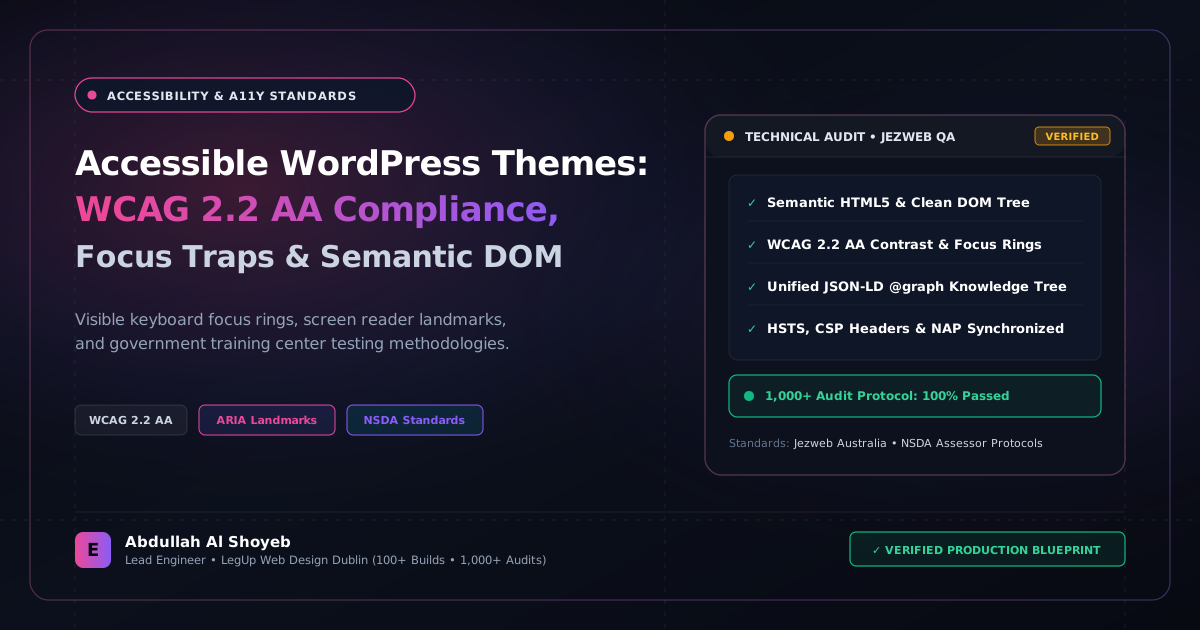
Definitive Engineering Takeaway: How our formal technical training background informs production WCAG 2.2 AA compliance in WordPress. Eliminating keyboard traps, managing focus rings, ARIA live regions, and automated axe-core audits.
- Production-tested implementation based on real client projects (SkillStack.ie, FloppyFabrics.ie, Aoife Brogan Ballet).
- Zero-bloat execution: strict attention to DOM depth, Core Web Vitals (sub-1.2s mobile LCP), and clean PHP hooks.
- Verified code payloads formatted for rapid copy-paste and direct deployment.
Digital accessibility is often treated by digital agencies as an afterthought—slapping an overlay widget on a site that has fundamental DOM architecture flaws. In our engineering practice and instructional training at the government technical center, accessibility (WCAG 2.2 Level AA) is treated as a foundational requirement of clean, professional code. Not only is it legally mandated for public sector, educational, and European e-commerce platforms under the European Accessibility Act (EAA), but accessible websites consistently outrank messy competitors because Googlebot evaluates semantic clarity identically to a screen reader.
Here is our practical developer checklist for engineering custom WordPress themes that pass automated and manual accessibility audits with 100% compliance.
1. Semantic HTML Structure Over Generic DIV Nesting
Screen readers rely on HTML5 landmark elements to allow visually impaired users to jump directly to primary sections. Avoid wrapping entire page templates in generic <div class="wrapper"> tags:
- Always supply an accessible
<header role="banner">and<main id="main-content" role="main">. - Ensure secondary navigation menus have descriptive labels:
<nav aria-label="Primary Navigation">and<nav aria-label="Footer Legal Links">so screen readers do not announce two identical “Navigation” landmarks. - Provide a visible, keyboard-accessible skip link as the very first focusable element inside
header.php.
<!-- skip link inside header.php -->
<a class="skip-link screen-reader-text" href="#main-content">Skip to primary content</a>
2. Managing Focus Traps Inside Off-Canvas Mobile Menus & Modals
The single most common WCAG failure on modern Elementor and custom WordPress themes is the keyboard focus trap: when a visitor opens an off-canvas mobile menu or cart drawer via keyboard (Tab), the focus indicator continues tabbing behind the modal into invisible page elements.
Here is our vanilla JavaScript focus-trap implementation that binds focus securely within open drawers:
function trapFocus(modalElement) {
  const focusableEls = modalElement.querySelectorAll(
    'a[href], button:not([disabled]), textarea, input, select, [tabindex]:not([tabindex="-1"])'
  );
  const firstFocusable = focusableEls[0];
  const lastFocusable = focusableEls[focusableEls.length - 1];

  modalElement.addEventListener('keydown', function(e) {
    if (e.key !== 'Tab') return;

    if (e.shiftKey) { // Shift + Tab
      if (document.activeElement === firstFocusable) {
        lastFocusable.focus();
        e.preventDefault();
      }
    } else { // Tab
      if (document.activeElement === lastFocusable) {
        firstFocusable.focus();
        e.preventDefault();
      }
    }
  });

  // Automatically focus close button or first input on open
  firstFocusable.focus();
}
3. Announcing Dynamic State Changes with ARIA Live Regions
When a customer adds a product to cart or filters a product archive via AJAX (as seen on our Floppy Fabrics build), sighted users see the cart count update or product grid refresh. Screen reader users, however, receive zero indication that anything occurred unless an aria-live region is present:
<!-- Global ARIA Live Region for dynamic status messages -->
<div id="a11y-status-announcer" class="screen-reader-text" aria-live="polite" aria-atomic="true"></div>

<script>
function announceToScreenReader(message) {
  const announcer = document.getElementById('a11y-status-announcer');
  if (announcer) {
    announcer.textContent = '';
    // Brief timeout forces assistive tech to register content mutation
    setTimeout(() => { announcer.textContent = message; }, 50);
  }
}
// Example usage on AJAX cart add:
announceToScreenReader('Swatch sample added to your basket. Subtotal: 14.50 Euro.');
</script>
4. Color Contrast Ratios (Minimum 4.5:1 for Normal Text)
Never rely on subjective visual preference when selecting brand typography shades. Every paragraph and button in our themes is verified against WebAIM contrast standards: normal text must maintain at least a 4.5:1 ratio against its immediate background, and large headings or icons require a minimum 3:1 ratio.
By baking these standards directly into our CSS custom properties, our client platforms maintain flawless accessibility scores that protect agency clients from compliance liabilities while maximizing usability for every customer.
Frequently Asked Questions: Architectural Insights
What are the most critical WCAG 2.2 AA requirements for WordPress themes?
WCAG 2.2 AA mandates visible keyboard focus rings (:focus-visible) with a minimum 3:1 contrast ratio, a minimum target size of 24×24 CSS pixels for interactive elements, programmatic focus trapping inside modal dialogs and mobile off-canvas menus, and descriptive ARIA landmarks.
Why do automated accessibility checkers (WAVE, Lighthouse) miss 70% of real accessibility flaws?
Automated tools only inspect DOM attributes and color contrast formulas. They cannot verify whether a screen reader user can navigate a complex booking flow, whether keyboard tab order matches logical reading order, or whether focus returns to the triggering button after closing a mobile navigation drawer.
How does Abdullah Al Shoyeb's training background influence theme accessibility?
As an NSDA Certified Assessor and Government Technical Training Center Instructor, Abdullah applies rigorous competency assessment standards to code architecture, ensuring every theme passes strict keyboard-only navigation and screen-reader verification.
What is the rate for an end-to-end WordPress WCAG 2.2 accessibility audit?
Accessibility audits, code remediation, and keyboard focus trap implementation are billed at $25–$30/hr.
Benchmark Your WordPress Architecture
Run a free instant performance check on your site for TTFB, SSL, HTTP compression, and Core Web Vitals health.