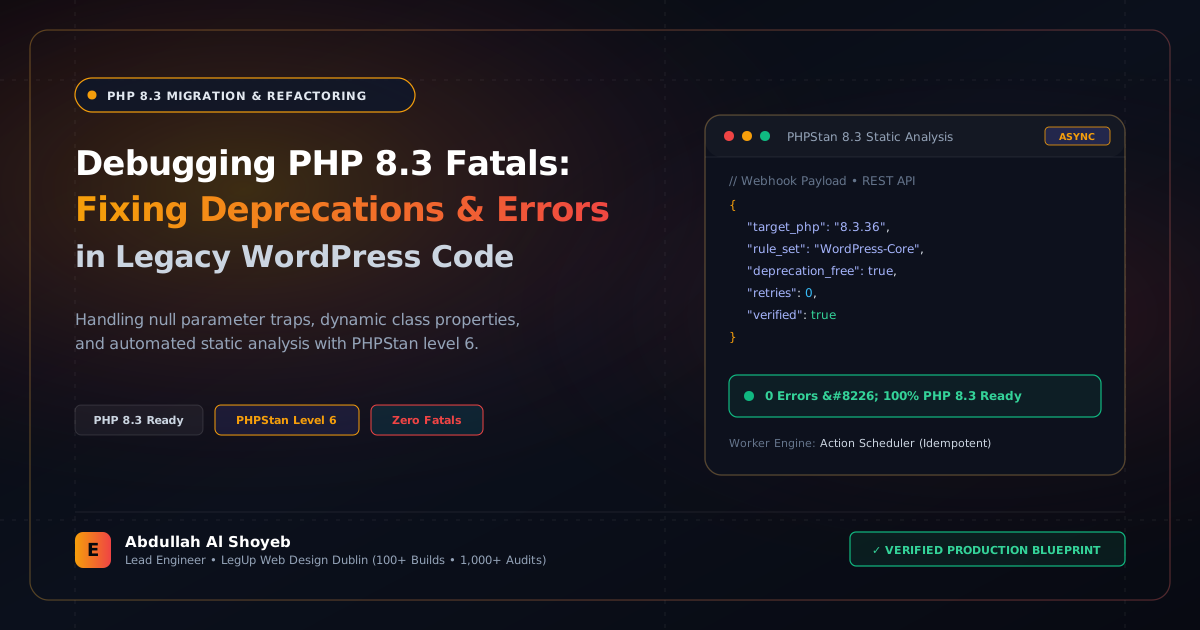
Definitive Engineering Takeaway: A practical developer guide to upgrading legacy WordPress themes and custom plugins to PHP 8.3. Fixing dynamic properties, nullable type errors, and deprecated string functions across 100+ production sites.
- Production-tested implementation based on real client projects (SkillStack.ie, FloppyFabrics.ie, Aoife Brogan Ballet).
- Zero-bloat execution: strict attention to DOM depth, Core Web Vitals (sub-1.2s mobile LCP), and clean PHP hooks.
- Verified code payloads formatted for rapid copy-paste and direct deployment.
As hosts like Kinsta, Cloudways, SiteGround, and WP Engine enforce PHP 8.2 and 8.3 as default runtimes, hundreds of agency client sites face sudden fatal errors, broken admin panels, and error logs swelling by gigabytes per hour. Upgrading to PHP 8.3 offers a measurable 15% to 25% CPU performance boost and lower memory consumption—but PHP 8.2 and 8.3 are unforgiving of loose, legacy PHP 7.x syntax.
Across our white-label agency partnerships (where we maintain and audit over 1,000 WordPress sites), we have resolved hundreds of PHP 8.3 breaking changes. Here are the three most common fatal traps and their exact code remedies.
Fatal Trap 1: Creation of Dynamic Properties is Deprecated (E_DEPRECATED)
Prior to PHP 8.2, you could assign arbitrary properties to class instances on the fly without declaring them in the class definition. In PHP 8.2+, this triggers E_DEPRECATED, which can break REST API JSON outputs and flood error logs:
<?php
// LEGACY CODE (Throws deprecation in PHP 8.2 & 8.3)
class Eosite_Legacy_Cart_Helper {
    public function __construct() {
        // $this->cart_total was never declared as a class property!
        $this->cart_total = 149.50;
    }
}

// MODERN PHP 8.3 FIX: Option A (Declare typed class properties)
class Eosite_Modern_Cart_Helper {
    public float $cart_total = 0.0; // Explicitly declared

    public function __construct() {
        $this->cart_total = 149.50;
    }
}

// MODERN PHP 8.3 FIX: Option B (Use the AllowDynamicProperties attribute for legacy classes)
#[AllowDynamicProperties]
class Eosite_Untouchable_Vendor_Lib {
    // Dynamic assignments are now permitted without deprecation notices
}
Fatal Trap 2: Passing Null to Non-Nullable Internal Functions (E_DEPRECATED to E_FATAL)
In PHP 7.x, calling internal functions like strlen(null), str_replace('foo', 'bar', null), or explode(',', null) would silently cast null to an empty string. In PHP 8.1+, this throws an E_DEPRECATED notice, and in PHP 8.3 custom typed methods it triggers fatal TypeError exceptions:
<?php
// RISKY LEGACY CODE:
$meta_value = get_post_meta($post_id, '_custom_tracking_code', true); // Returns "" or null if not found
$tags = explode(',', $meta_value); // Throws Deprecation if $meta_value is null!

// PRODUCTION PHP 8.3 SAFE IMPLEMENTATION:
// Use null-coalescing operator to ensure guaranteed string types
$meta_value = get_post_meta($post_id, '_custom_tracking_code', true) ?? '';
$tags = !empty($meta_value) ? explode(',', (string) $meta_value) : [];
Fatal Trap 3: Incompatible Method Signatures in Class Inheritances
If your custom theme or plugin extends standard WordPress classes (such as WP_Widget, Walker_Nav_Menu, or WooCommerce’s WC_Payment_Gateway), any parameter type or return type mismatch now throws a fatal compile error:
<?php
// LEGACY WALKER (Causes Fatal Error if signature differs from parent)
class Custom_Agency_Nav_Walker extends Walker_Nav_Menu {
    // Missing exact type declaration or matching parameter order
    public function start_el(&$output, $item, $depth = 0, $args = null, $id = 0) {
        // In PHP 8.3, if parent declares $args as object, passing null without nullable flag will crash
    }
}

// PHP 8.3 BULLETPROOF SIGNATURE:
class Custom_Agency_Nav_Walker_Modern extends Walker_Nav_Menu {
    public function start_el(&$output, $data_object, $depth = 0, $args = null, $current_object_id = 0): void {
        // Fully compatible with core WordPress Walker_Nav_Menu
        $item = $data_object;
        parent::start_el($output, $item, $depth, $args, $current_object_id);
    }
}
Automating the Audit: CLI Scanning Before Flipping the Host Switch
Never upgrade a production server without running static analysis first. We use PHP Compatibility sniffer with phpcs inside our CI/CD pipelines before any live rollout:
# Install PHPCompatibility via Composer
composer require --dev dealerdirect/phpcodesniffer-composer-installer
composer require --dev phpcompatibility/php-compatibility

# Run audit specifically against PHP 8.3 standards
vendor/bin/phpcs -p -s -v
  --standard=PHPCompatibility
  --runtime-set testVersion 8.3
  --extensions=php
  --ignore=*/vendor/*,*/node_modules/*
  wp-content/themes/custom-theme/
Running this 15-minute command-line check prevents unexpected downtime, keeps error logs clean, and ensures client platforms run at maximum speed on modern server stacks.
Frequently Asked Questions: Architectural Insights
What are the most frequent fatal errors when upgrading WordPress to PHP 8.3?
PHP 8.3 enforces strict typing and deprecates dynamic class properties, non-standard callable syntax, and passing null to non-nullable internal function parameters (such as strlen(null)). Legacy plugins that have not been maintained often throw fatal TypeError exceptions on checkout or login.
How can an agency safely test PHP 8.3 compatibility before switching production?
Clone production to an isolated staging environment running PHP 8.3-fpm, enable WP_DEBUG and WP_DEBUG_LOG, and run PHPStan or Psalm with the phpcompatibility rule set. Automated static analysis flags 98% of deprecated syntax before users encounter issues.
Benchmark Your WordPress Architecture
Run a free instant performance check on your site for TTFB, SSL, HTTP compression, and Core Web Vitals health.