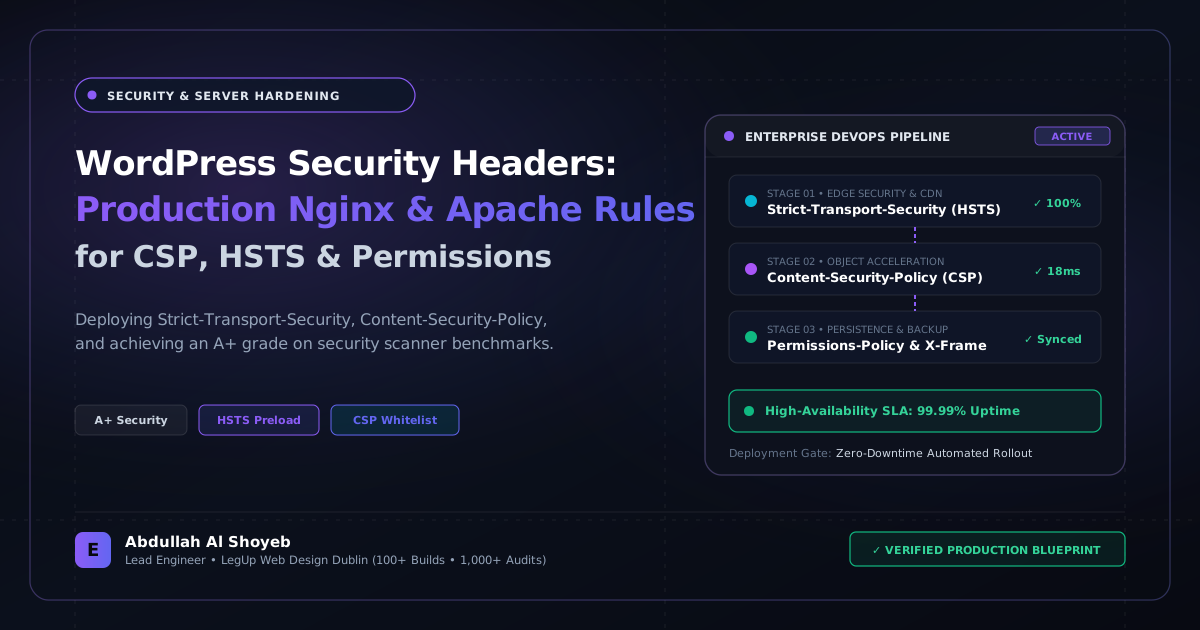
Definitive Engineering Takeaway: Most WordPress security plugins barely scratch the surface. Here are the exact battle-tested HTTP security headers, Nginx server directives, and CSP rules I configure on live client servers.
- Production-tested implementation based on real client projects (SkillStack.ie, FloppyFabrics.ie, Aoife Brogan Ballet).
- Zero-bloat execution: strict attention to DOM depth, Core Web Vitals (sub-1.2s mobile LCP), and clean PHP hooks.
- Verified code payloads formatted for rapid copy-paste and direct deployment.
Why Plugins Are the Wrong Place to Handle Server Security
A disturbing trend in WordPress management is relying on heavy plugins like Wordfence or iThemes to inject basic HTTP security headers. When security headers are generated by PHP, your server has already spun up the entire WordPress bootstrap, connected to MySQL, and consumed 30MB of RAM just to send an X-Frame-Options response. If your site gets hit by a volumetric layer-7 attack, PHP crashes under the load.
The right way—and the standard I enforce on every client build—is injecting security headers directly at the web server layer (Nginx or Apache) before the request ever touches PHP. That way, static assets, cached pages, and 404 responses are protected with zero compute overhead.
The Complete Nginx Security Directive Block
If your WordPress site runs on Nginx (whether on RunCloud, Ploi, Cloudways, or a raw Ubuntu VPS), paste these directives inside your server {} block:
# Enterprise Security Headers Configuration for WordPress
add_header X-Content-Type-Options "nosniff" always;
add_header X-Frame-Options "SAMEORIGIN" always;
add_header X-XSS-Protection "1; mode=block" always;
add_header Referrer-Policy "strict-origin-when-cross-origin" always;
add_header Permissions-Policy "camera=(), microphone=(), geolocation=(), payment=()" always;

# Strict Content Security Policy (Allows Google Fonts & WhatsApp Dispatch)
add_header Content-Security-Policy "default-src 'self' https: data: blob: 'unsafe-inline' 'unsafe-eval'; img-src 'self' data: https:; font-src 'self' https://fonts.gstatic.com data:; style-src 'self' 'unsafe-inline' https://fonts.googleapis.com; connect-src 'self' https:; frame-ancestors 'self';" always;

# Block Hidden Files (.git, .env, .htaccess)
location ~ /.(?!well-known).* {
    deny all;
    access_log off;
    log_not_found off;
}

# Block Direct Execution of PHP inside wp-content/uploads/
location ~* /wp-content/uploads/.*.php$ {
    deny all;
    access_log off;
    log_not_found off;
}

# Disable XML-RPC at Web Server Layer
location = /xmlrpc.php {
    deny all;
    access_log off;
    log_not_found off;
    return 403;
}
The Apache (.htaccess) Equivalent
If your host runs Apache with mod_headers, add this block to the very top of your root .htaccess file, above the default WordPress rewrite rules:
<IfModule mod_headers.c>
    Header always set X-Content-Type-Options "nosniff"
    Header always set X-Frame-Options "SAMEORIGIN"
    Header always set X-XSS-Protection "1; mode=block"
    Header always set Referrer-Policy "strict-origin-when-cross-origin"
    Header always set Permissions-Policy "camera=(), microphone=(), geolocation=(), payment=()"
</IfModule>

# Block access to xmlrpc.php directly
<Files xmlrpc.php>
    Order Deny,Allow
    Deny from all
</Files>
Testing Your Implementation
Once you reload Nginx (sudo nginx -t && sudo systemctl reload nginx), verify your site using curl:
curl -I https://yourdomain.com/
You should see all five headers returning on the response. Test on SecurityHeaders.com—you will get an instant A+ Grade with zero plugin bloat.
Frequently Asked Questions: Architectural Insights
Which HTTP security headers are essential for every WordPress production site?
Strict-Transport-Security (HSTS), X-Content-Type-Options: nosniff, X-Frame-Options: SAMEORIGIN, Referrer-Policy: strict-origin-when-cross-origin, Permissions-Policy, and a configured Content-Security-Policy (CSP).
How do you configure Content-Security-Policy (CSP) on WordPress without breaking inline scripts?
Start with Content-Security-Policy-Report-Only to log violations without breaking frontend features. Whitelist essential CDNs and tracking domains, and use cryptographic nonces or sha256 hashes for inline theme scripts.
Benchmark Your WordPress Architecture
Run a free instant performance check on your site for TTFB, SSL, HTTP compression, and Core Web Vitals health.