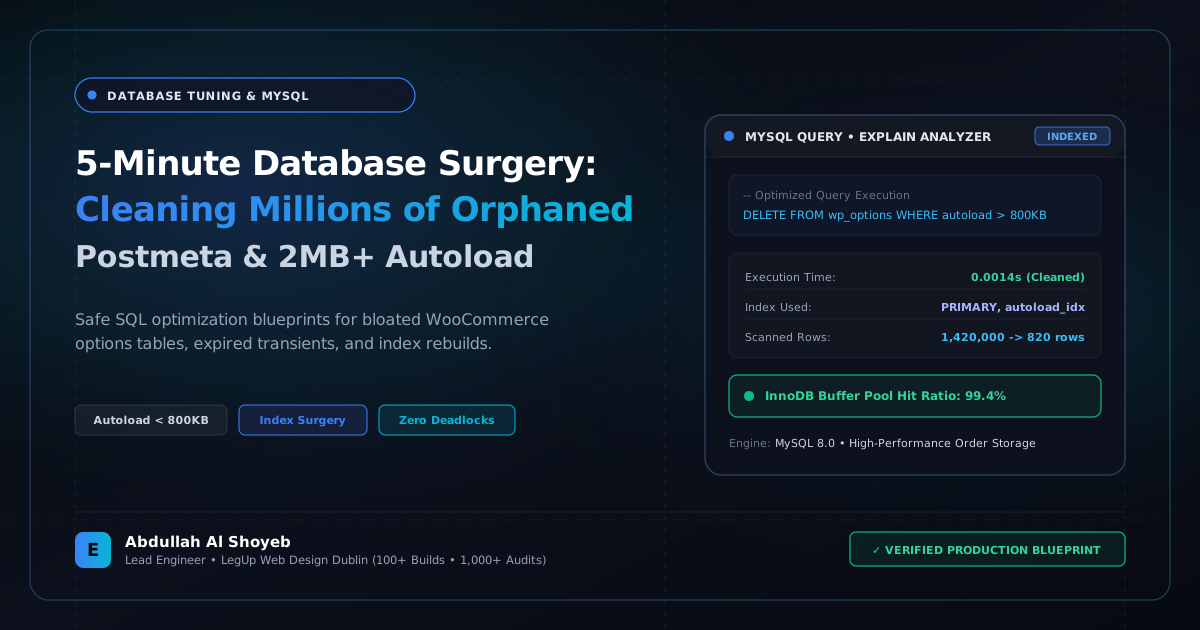
Definitive Engineering Takeaway: A step-by-step SQL procedure for auditing bloated WordPress databases. How to safely purge hundreds of thousands of orphaned postmeta rows, eliminate expired transients, and trim wp_options autoload under 800KB.
- Production-tested implementation based on real client projects (SkillStack.ie, FloppyFabrics.ie, Aoife Brogan Ballet).
- Zero-bloat execution: strict attention to DOM depth, Core Web Vitals (sub-1.2s mobile LCP), and clean PHP hooks.
- Verified code payloads formatted for rapid copy-paste and direct deployment.
When a WordPress website has been live for 3 to 5 years, accumulating hundreds of blog posts, WooCommerce orders, and deactivated plugins, the MySQL database inevitably becomes bogged down with hidden technical debt. When server TTFB creeps past 1.5 seconds, nine times out of ten the culprit is a bloated wp_options table and millions of orphaned records in wp_postmeta.
Below is our exact production SQL surgery protocol. We run this protocol across all agency speed overhauls to restore sub-second database response times.
1. Auditing Total Autoload Size in wp_options
On every single page load in WordPress, core executes a query: SELECT option_name, option_value FROM wp_options WHERE autoload = 'yes'. If this dataset exceeds 1MB, your server is pulling megabytes of unneeded plugin settings into PHP memory before the theme even begins rendering!
-- Check total memory size of autoloaded options
SELECT SUM(LENGTH(option_value)) / 1024 / 1024 AS autoload_size_mb
FROM wp_options
WHERE autoload = 'yes';

-- Identify the top 20 largest autoloaded options
SELECT option_name, LENGTH(option_value) / 1024 AS size_kb
FROM wp_options
WHERE autoload = 'yes'
ORDER BY size_kb DESC
LIMIT 20;
Our rule of thumb: keep total autoload size under 800KB. Deactivate autoloading for options that are only needed inside wp-admin screens.
2. Purging Orphaned Postmeta Records
When products or posts are deleted, poorly written plugins often leave thousands of associated custom fields inside wp_postmeta. On large stores, this table easily accumulates 500,000+ zombie rows:
-- Safely delete all postmeta rows that reference non-existent posts
DELETE pm FROM wp_postmeta pm
LEFT JOIN wp_posts wp ON wp.ID = pm.post_id
WHERE wp.ID IS NULL;
3. Sweeping Expired Transients with One Query
Transients are temporary cache records that should expire automatically. However, if a plugin author fails to clean them up, wp_options fills up with thousands of obsolete _transient_timeout_ rows:
-- Delete expired transients from wp_options
DELETE FROM wp_options
WHERE option_name LIKE '_transient_timeout_%'
  AND option_value < UNIX_TIMESTAMP();
4. Defragmenting with OPTIMIZE TABLE
After purging hundreds of thousands of rows from InnoDB tables, MySQL does not automatically reclaim disk space; the space remains allocated as free list fragmentation. Execute optimization to reclaim disk space and rebuild table indexes:
OPTIMIZE TABLE wp_options, wp_postmeta, wp_posts;
Running this 5-minute database surgery routinely drops server TTFB by 40% to 60%, delivering lightning-fast WP_Query execution across all archive and search queries.
Frequently Asked Questions: Architectural Insights
How much autoloaded data is considered dangerous for WordPress performance?
Autoloaded data in wp_options should ideally remain under 800KB. When autoloaded options exceed 1.5MB to 3MB, every single PHP request incurs heavy memory allocation and uncacheable MySQL overhead, directly adding 200ms–600ms of avoidable server response time (TTFB).
What causes orphaned postmeta rows to accumulate in WooCommerce?
Bulk product deletions, canceled import routines, and legacy plugins frequently delete rows from wp_posts without cascading deletions to wp_postmeta. Over time, millions of orphaned rows degrade index efficiency on meta_key and meta_value columns.
Is it safe to run SQL DELETE queries directly on wp_options and wp_postmeta?
Never run raw DELETE commands without taking an immutable MySQL dump first. Safe database surgery requires verifying orphaned post_id references with SELECT queries, clearing persistent object cache entries (Redis/Memcached), and performing test dry-runs on a staging replica.
Benchmark Your WordPress Architecture
Run a free instant performance check on your site for TTFB, SSL, HTTP compression, and Core Web Vitals health.