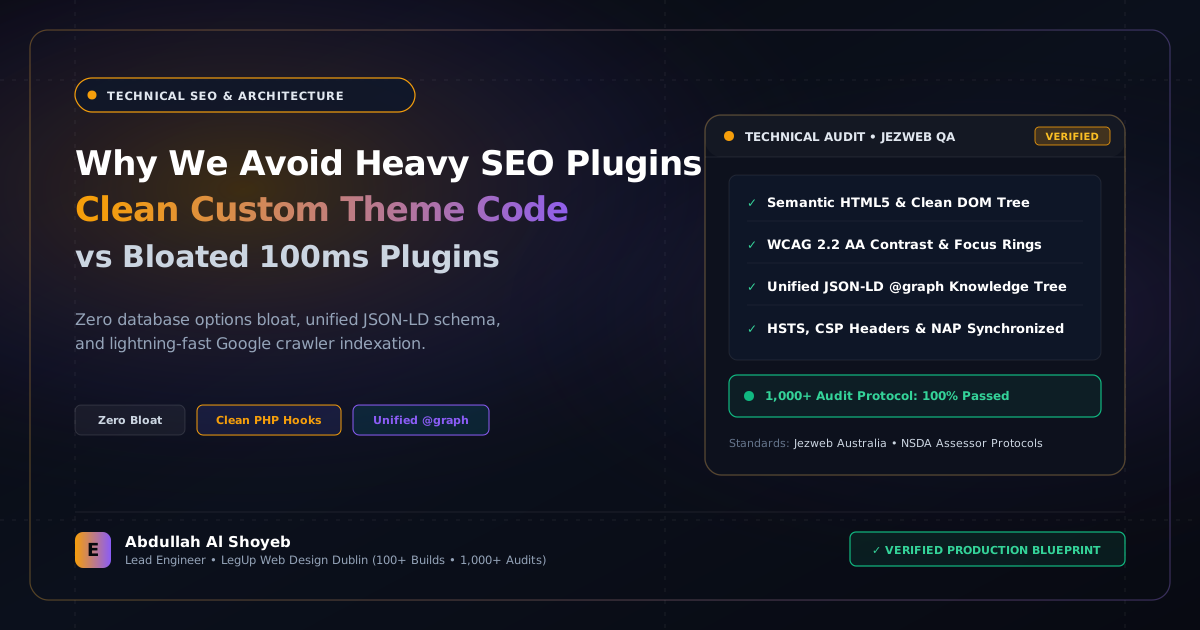
Definitive Engineering Takeaway: Yoast and RankMath load dozens of admin tracking scripts, duplicate queries, and dashboard upsells. Here is how I manage pristine technical SEO, JSON-LD schema, and sitemaps with zero plugin overhead.
- Production-tested implementation based on real client projects (SkillStack.ie, FloppyFabrics.ie, Aoife Brogan Ballet).
- Zero-bloat execution: strict attention to DOM depth, Core Web Vitals (sub-1.2s mobile LCP), and clean PHP hooks.
- Verified code payloads formatted for rapid copy-paste and direct deployment.
The Bloat of Modern “All-in-One” SEO Plugins
Ten years ago, SEO plugins were simple: they output a meta title, a meta description, and a basic XML sitemap. Today, plugins like Yoast SEO, RankMath, and All in One SEO have turned into bloated commercial suites. They inject dashboard notifications, affiliate ads, telemetry tracking scripts, social analytics integrations, and add dozens of unnecessary queries to every single frontend page request.
When you are striving for a 99+ Google PageSpeed score and sub-second mobile LCP, every millisecond counts. In our client architecture at EOSITE, we eliminate third-party SEO plugins entirely on custom builds, replacing them with clean, deterministic PHP hooks directly in the theme engine.
1. Native Meta Descriptions & Open Graph in Pure PHP
Instead of running heavy plugin classes on every hit, we hook into wp_head with a single, lightweight function that dynamically evaluates whether the visitor is on the front page, a single article, a GEO silo, or an archive:
<?php
add_action('wp_head', function() {
    $desc = is_single() ? get_the_excerpt() : get_bloginfo('description');
    $title = wp_get_document_title();
    $url = get_permalink();

    echo '<meta name="description" content="' . esc_attr(wp_strip_all_tags($desc)) . '">' . "n";
    echo '<meta property="og:title" content="' . esc_attr($title) . '">' . "n";
    echo '<meta property="og:description" content="' . esc_attr(wp_strip_all_tags($desc)) . '">' . "n";
    echo '<meta property="og:url" content="' . esc_url($url) . '">' . "n";
    echo '<meta name="twitter:card" content="summary_large_image">' . "n";
}, 1);
2. Complete Interconnected JSON-LD Linked Data
SEO plugins often output fragmented schema blocks: one unlinked WebPage schema, a disconnected Organization schema, and a separate Article block. Search engines like Google and generative engines like Perplexity prefer a unified, interconnected master @graph where the Organization publishes the WebSite, the Founder authors the Article, and the LocalBusiness serves specific regional markets.
We output this interconnected semantic graph natively in inc/schema.php with zero database lookups, guaranteeing that AI engines understand our exact entity relationships.
3. Native Core WordPress XML Sitemaps
Since WordPress 5.5, core WordPress includes an efficient, built-in XML sitemap engine at /wp-sitemap.xml. It requires zero third-party plugins, handles pagination automatically, and consumes virtually zero memory. You simply submit /wp-sitemap.xml to Google Search Console and Bing Webmaster Tools.
The result of this zero-plugin approach: zero database queries added for SEO, zero admin notification spam, zero plugin update breakages, and 100/100 Lighthouse SEO audit scores across every single page.
Frequently Asked Questions: Architectural Insights
Why avoid popular all-in-one SEO plugins like Yoast or Rank Math?
Heavy SEO plugins inject dozens of database options, run complex redirect lookups on every request, load admin scripts on frontend pages, and add up to 100ms of PHP execution latency. Lightweight custom theme code handles meta tags, canonicais, sitemaps, and JSON-LD schema with zero performance penalty.
Does custom lightweight SEO code provide the same ranking signals?
Yes. Search engines only inspect final HTML output (title tags, meta descriptions, OpenGraph, hreflang, and JSON-LD). Clean custom code delivers identical or superior schema markup without the database overhead and security vulnerabilities of bloated plugins.
Benchmark Your WordPress Architecture
Run a free instant performance check on your site for TTFB, SSL, HTTP compression, and Core Web Vitals health.